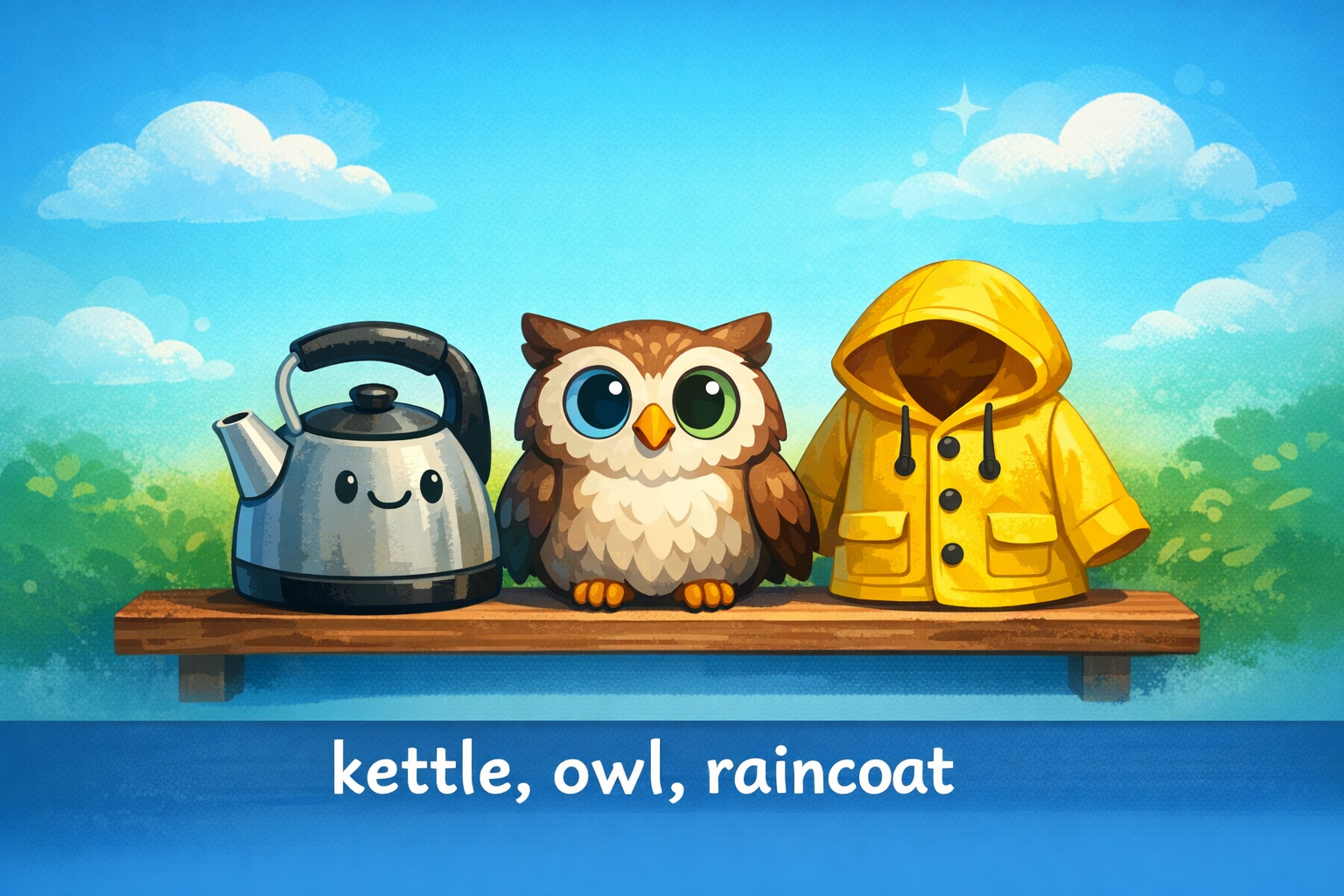
Pick three objects
Choose objects that are not related to you, and that you can spell easily. They can be silly.
Example objects: kettle, owl, raincoat

Three steps, three objects, one memorable passphrase
Think of three random objects... imagine them together in a small scene... then join the words with a separator like a period or a dash. You must also add one capital letter and one number for extra strength.
Choose objects that are not related to you, and that you can spell easily. They can be silly.
Example objects: kettle, owl, raincoat
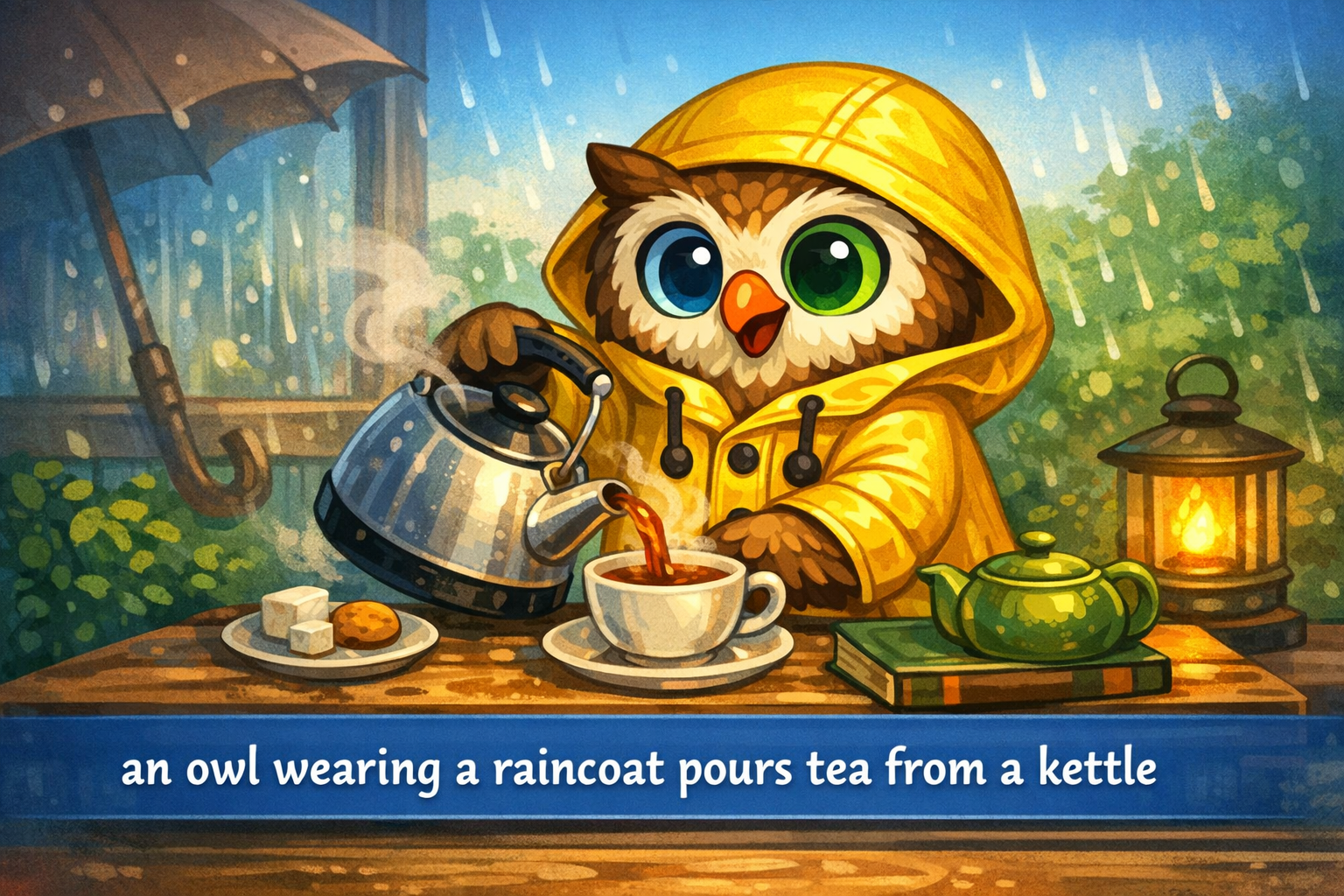
Imagine the objects interacting. Add a simple action so it sticks in your memory.
Example scene: an owl wearing a raincoat pours tea from a kettle.
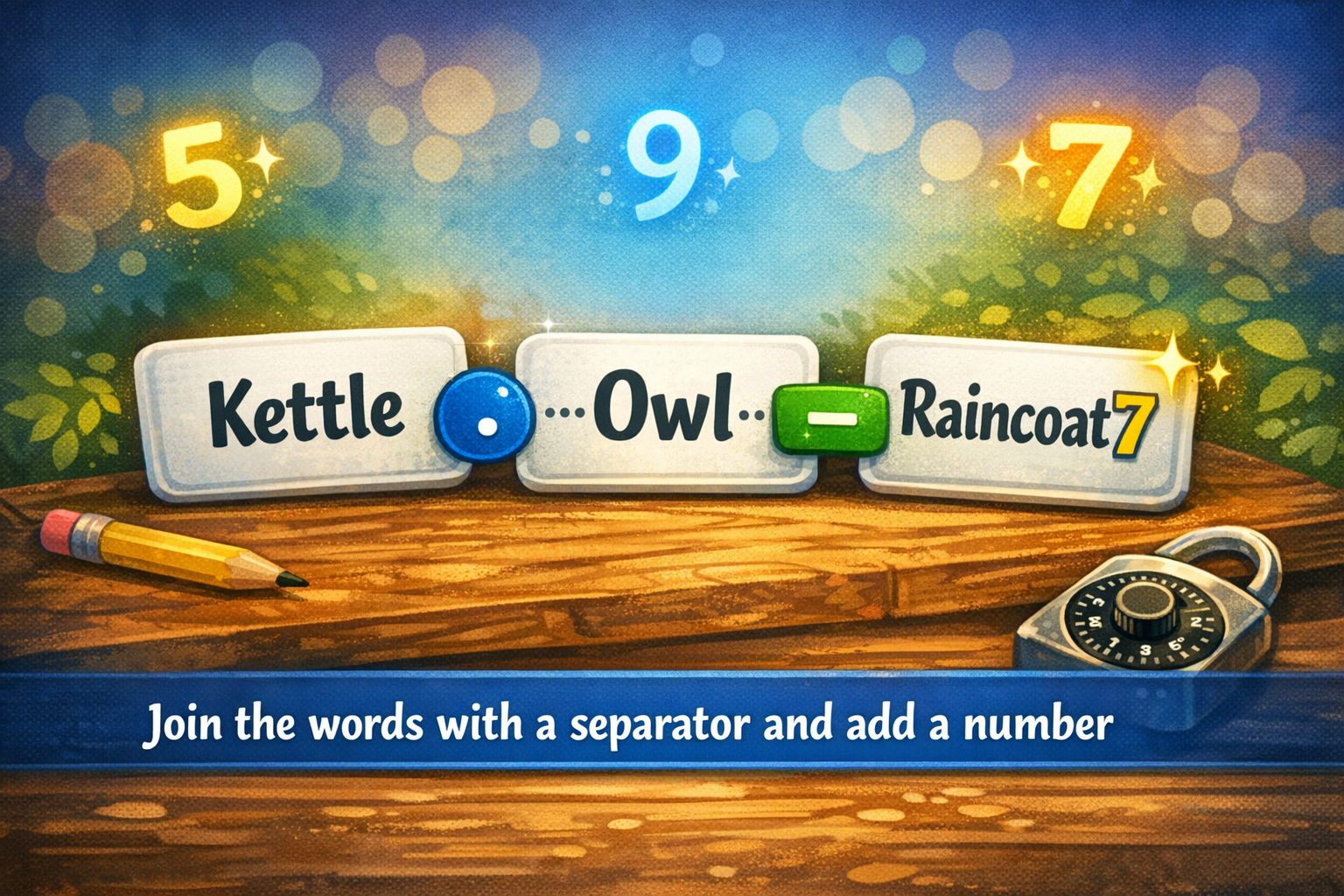
Join the object words using a separator, then add a number. Choose one word to capitalise.
Example passphrase: Kettle.owl.raincoat7
Click here to expand to use the Passphrase builder. Make it your own!
The passphrase is built in your browser. This page does not need to send your words anywhere.